
Character Limits for Push Notifications
Because of the design of browser push notifications, the text that is entered in the title and body sections can get cut off if there are too many characters. Every browser on every device has a different limit on the number of charactersthat they display so it is best to keep your notifications short and sweet.
While the dashboard will automatically notify you when you cross the limits of most browsers, some people like to have a more specific breakdown of how many characters are supported. As such, we’ve compiled a handy breakdown of the character limits of each platform and device below.
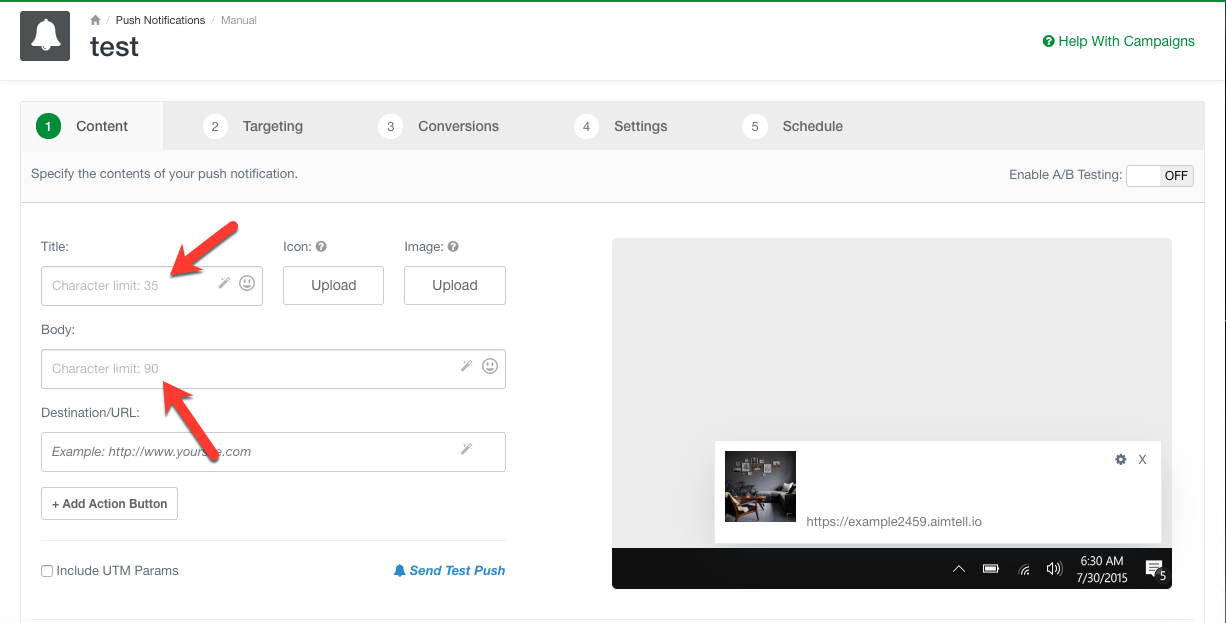
Note: These character limits may vary based on spacing. You can always send yourself a test notification to see what a campaign will actually look like. Read our sending test push notifications documentation for more information.
OS X - Mac (Catalina and Older)BrowserTitleBodyChrome2224Safari2224Firefox3336Opera3136
OS 11 - Mac
(Big Sur and Newer)
BrowserTitleBodyChrome2285Safari22106Firefox3385Opera3185
PC- WindowsBrowserTitle w/Big ImageTitle w/o Big ImageBody w/ Big ImageBody w/o Big ImageChrome
25353697Firefox-35-97Opera25353696Edge25353696
MobileBrowserTitle w/Big ImageTitle w/o Big ImageBody w/ Big ImageBody w/o Big ImageChrome
21353343Firefox21243336Opera21353336Edge21353343Samsung Internet21353336